> For the complete documentation index, see [llms.txt](https://docs.getint.io/llms.txt). Markdown versions of documentation pages are available by appending `.md` to page URLs; this page is available as [Markdown](https://docs.getint.io/support-legal-and-others/platform-releases/migrating-from-connect-apps-to-forge.md).
# Migrating from Connect Apps to Forge
Atlassian is phasing out **Connect apps** by the end of 2026. To ensure your tools continue working smoothly, it's important to update to **Forge apps**, Atlassian's modern cloud‑native framework. Forge apps are hosted and secured by Atlassian, which means fewer sync issues, better license handling, and improved reliability.
{% hint style="danger" %}
Ensure your Cloud apps are updated to the latest version to avoid potential license or synchronization issues.
{% endhint %}
### How to Update Getint Apps
You can manage updates directly from Jira using the **Manage apps** section:
1. **Open Manage Apps**
* In Jira, go to **Apps → Manage apps**.
2. **Check Installed Apps**
* Check the list of apps for any labeled with **Update** or **Upgrade** (these indicate apps that require updating).
* To view more information about a specific app, click **View app details** located on the right edge of the screen.
3. **Update to the Forge Version**
* Click **Update** to install the Forge version.
4. **Verify Licensing and Sync**
* After updating, confirm that your integration shows the correct license status.
* Test integrations to ensure data syncs properly.
### What Happens to New and Existing Integrations?
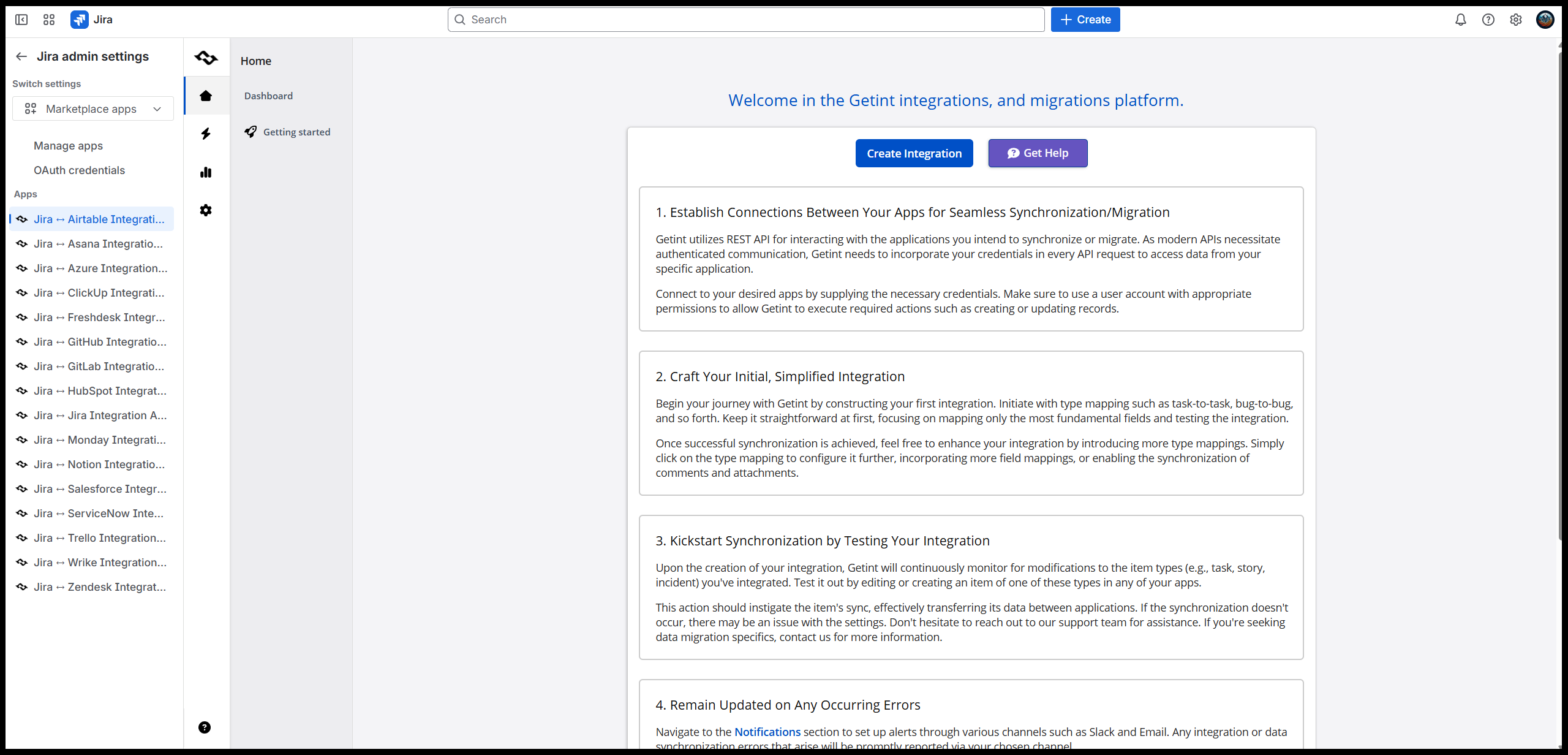
After updating or installing the Forge version of the app for the first time, you’ll be prompted to enter your company email address and choose a region.
{% hint style="warning" %}
If you already have integrations, you’ll only be able to select the European region, since all existing getint instances are stored there.
{% endhint %}
After entering your details, you'll be prompted to create an integration as shown below.
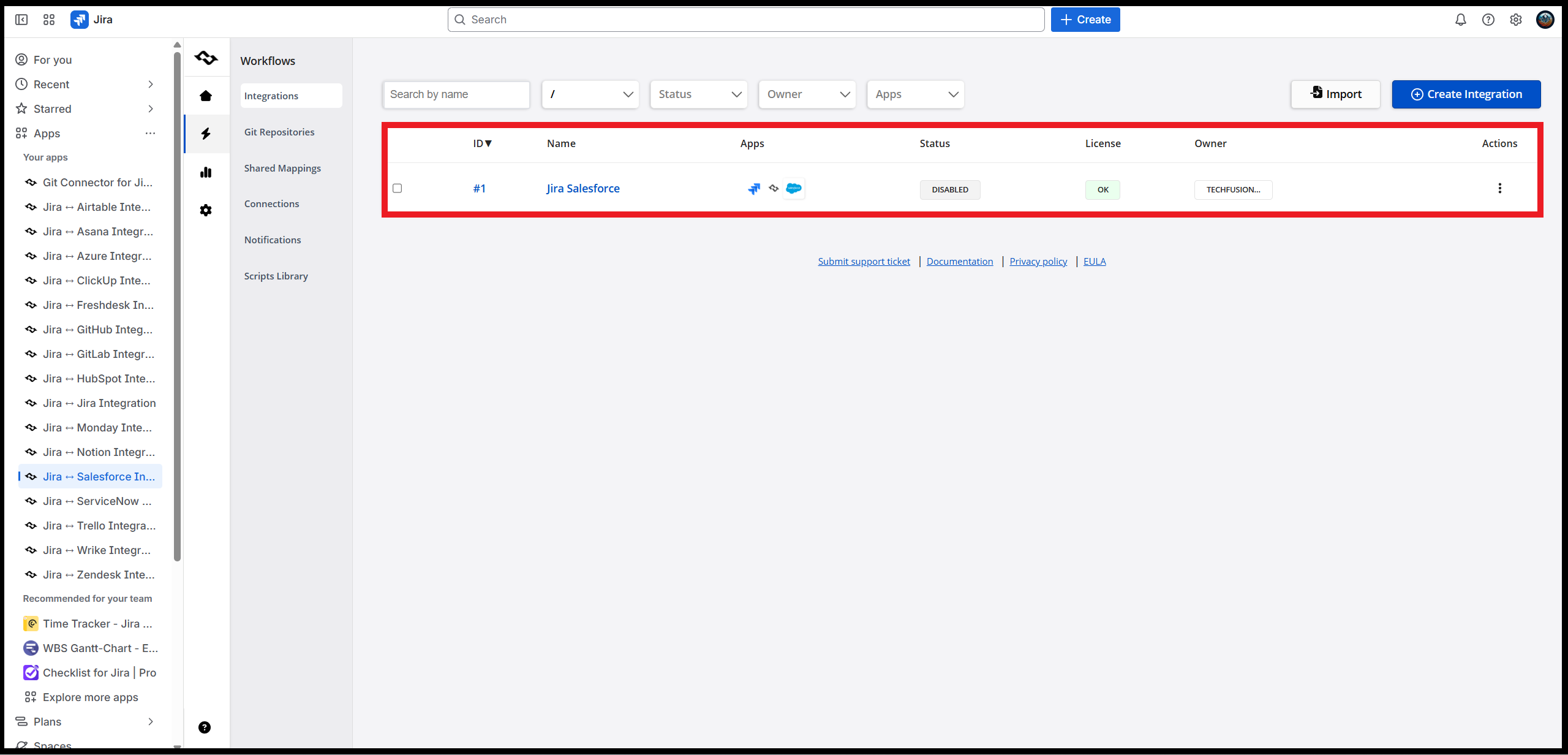
However, if you have existing integrations, you'll be able to access them.
{% hint style="info" %}
If your integrations were disabled after the update, re‑enable them to restore the syncs.
{% endhint %}
### What If You Don’t Update?
* Licenses may stop validating correctly.
* Sync between systems could fail, disrupting workflows.
* Security patches will no longer apply to Connect apps.
If you experience any issues while updating the apps, or if you need to select a region that isn’t currently available, please reach out to our support team through the [Help Center](https://getint.io/help-center). We'll be happy to help!
---
# Agent Instructions
This documentation is published with GitBook. GitBook is the documentation platform designed so that both humans and AI agents can read, navigate, and reason over technical content effectively. Learn more at gitbook.com.
## Querying This Documentation
If you need additional information that is not directly available in this page, you can query the documentation by asking a question.
Perform an HTTP GET request on the following URL with the `ask` and `goal` query parameters:
```
GET https://docs.getint.io/support-legal-and-others/platform-releases/migrating-from-connect-apps-to-forge.md?ask=&goal=
```
`ask` is the immediate question: it should be specific, self-contained, and written in natural language.
`goal` is what the user is ultimately trying to achieve, the reason they need the answer. Sharing it helps GitBook give you a better, more relevant answer. A goal is most helpful when it describes the outcome the user wants rather than restating the question. For example, with `ask=how do I create an API token`, a goal like `automate deployments from our CI pipeline` lets GitBook tailor the answer to that use case.
The response will contain a direct answer to the question and relevant excerpts and sources from the documentation.
Use this mechanism when the answer is not explicitly present in the current page, you need clarification or additional context, or you want to retrieve related documentation sections.